
Plan the complete cost
Follow both payments and compare separate parcels with a combined shipment using your own rates.
Browse, then order
A PonyBuy spreadsheet is a product list you browse by category, not a file you download. Sneakers, streetwear, bags, the lot. Start with what you want and this guide covers the rest: what it costs, what the quality check shows you, and where orders go wrong.
Say what the thing is, not what the seller calls it. The list was written by people describing what they bought, so plain words find more than model codes do.
Start here
Each card opens that category in the product list, where the actual items are and where you copy a link. That list held 27,715 product pages when we counted it from its own sitemap on 3 August 2026. Everything after that happens on PonyBuy.
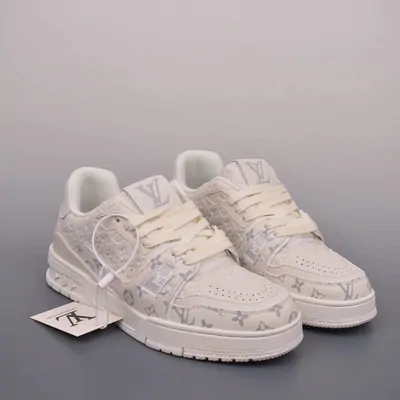
运动鞋 · yundongxie
The category most people arrive for. Sellers of reps list by batch rather than by edition, so two listings of the same silhouette can be different products at different prices.
Browse sneakers鞋 · xie
The wider bucket: loafers, boots, sandals and dress shoes alongside trainers. Useful when you know the shape you want but not the model name.
Browse all shoes服装 · fuzhuang
Everything worn, in one place. Start here if you are browsing rather than hunting a specific piece.
Browse apparel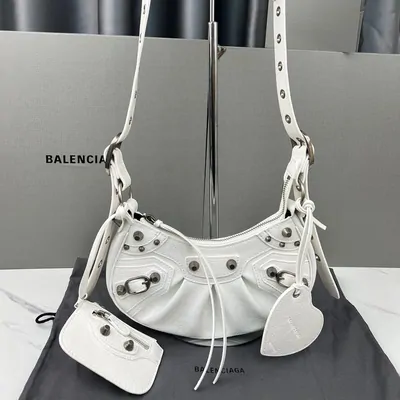
包 · bao
Bulky rather than heavy, so bags usually decide the size of your parcel more than its weight.
Browse bags配饰 · peishi
Caps, scarves, belts, gloves and the rest. Small, light, and the easiest way to use up weight you have already paid for.
Browse accessories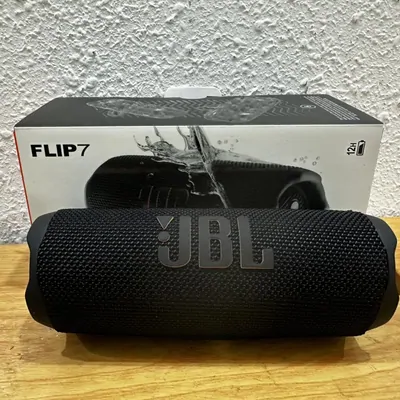
数码 · shuma
The category most likely to be blocked by a shipping route rather than by a seller.
Browse electronics
香水 · xiangshui
The hardest common category to actually get home.
Browse perfume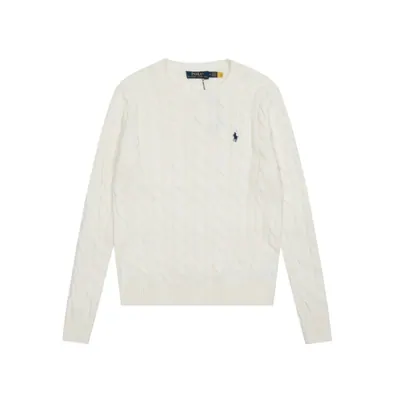
女装 · nvzhuang
A search rather than one category, because women's pieces sit across skirts, heels, knitwear, sets and outerwear.
Search womenswear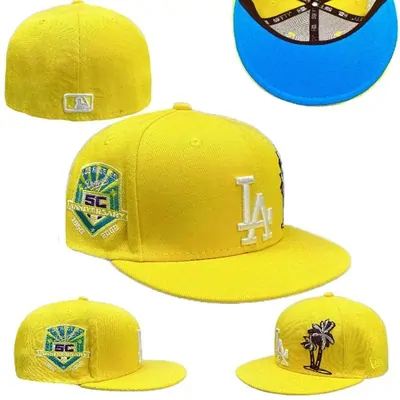
帽子 · maozi
Caps, beanies and bucket hats. The category people add to a parcel rather than open one for, because a hat alone pays full freight for almost no weight.
Browse hats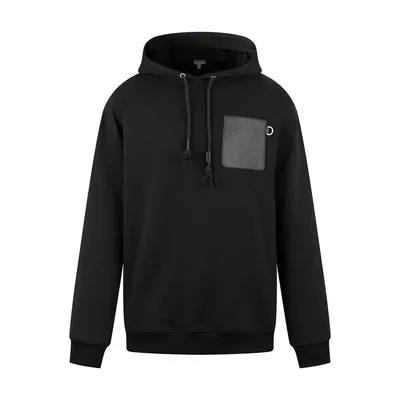
卫衣 · weiyi
Heavy for their size, which matters more than people expect once shipping is priced by weight.
Browse hoodies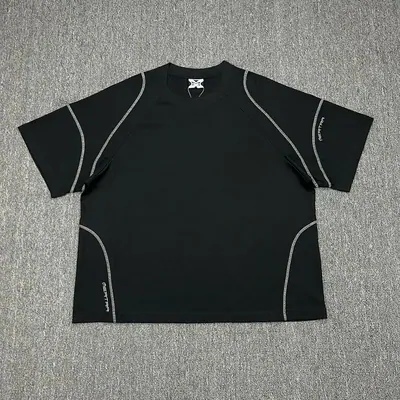
T恤 · T-xu
Light and cheap to ship, which makes them the natural filler when a parcel is not yet full and you are already paying a first weight.
Browse t-shirts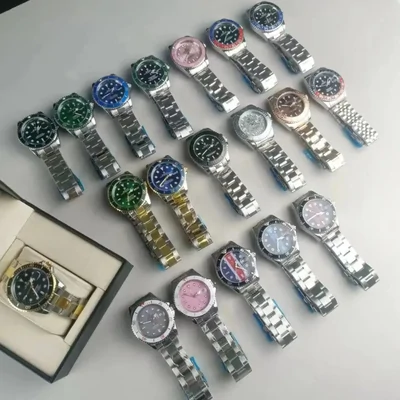
手表 · shoubiao
Movement type is what separates listings that look identical in photos.
Browse watchesA product catalogue arranged into categories. Open a listing to check its seller, measurements and available variants, then take the original link to the agent.
The category notes help you compare a product with the checks it needs: fit, restrictions and likely packing. You can browse first and make the purchase decision with the details in front of you.
PonyBuy is a buying agent that purchases on your instruction, receives the items in China, takes warehouse inspection photos and books the international parcel you choose.
Buying, storage and parcel consolidation are managed through one account. Check the actual fee total and shipping options for your destination before choosing it, especially for an urgent or difficult-to-return purchase.
Who handles each part of the order · When another route suits you

Follow both payments and compare separate parcels with a combined shipment using your own rates.
Read the inspection evidence and find the next action if something is wrong.
Find answers before purchase, while an order is stored and after dispatch.