
Step 1: pick a category
Every category, and what catches people out
Each of these opens the products themselves. What is written here is the thing worth knowing before you open that page, because most bad orders are decided before anyone clicks buy.
Where this page sits
- 01Pick a category
- 02Open the item
- 03Order on PonyBuy
- 04See QC photos
- 05Combine and ship
- 06Your door
How to read this page
Three things that apply to every category
Sizing, weight and route. Almost every order that disappoints failed on one of those three, and all three are decidable before you spend anything. None of them depend on whether you are buying reps or ordinary goods from China.
Sizing is the biggest single cause. Asian sizing runs small and letter sizes are not comparable across sellers, so the measurement table on the listing is the only number worth reading. Measure something you already own and compare against that.
- Weight decides your shipping more than the item price decides your total. A padded jacket can cost more to send than it cost to buy.
- Route quietly rules things out. Batteries, liquids and powders restrict which lines will carry a parcel, and some are barred outright.
- Everything is cheaper together. Shipping is priced per parcel with a first weight, so one parcel of five things beats five parcels of one.
All seventeen categories
Category links open the product list itself, where the actual items are: 27,715 product pages at our last count (3 August 2026, from its sitemap). Bring the link of anything you like back to PonyBuy to order it.
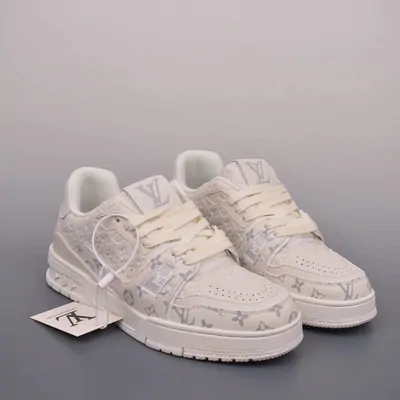
Sneakers
运动鞋 · yundongxie
The category most people arrive for. Sellers of reps list by batch rather than by edition, so two listings of the same silhouette can be different products at different prices.
Watch out Sizing is given in mm of insole length as often as in EU or US. Measure a shoe you already own from heel to toe and match that number instead of trusting the size label.
Browse sneakersShoes
鞋 · xie
The wider bucket: loafers, boots, sandals and dress shoes alongside trainers. Useful when you know the shape you want but not the model name.
Watch out Leather is where photos flatter the product most. Ask for extra angles at the quality check stage before you pay to ship.
Browse all shoesApparel
服装 · fuzhuang
Everything worn, in one place. Start here if you are browsing rather than hunting a specific piece.
Watch out Asian sizing runs one to two sizes small by Western labels. The measurement table on the listing is the only number worth reading.
Browse apparel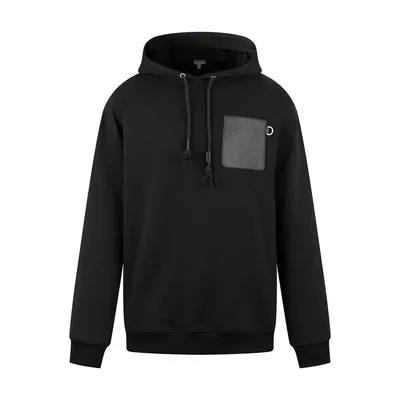
Hoodies and sweats
卫衣 · weiyi
Heavy for their size, which matters more than people expect once shipping is priced by weight.
Watch out A single hoodie is often 700 to 900 g. Two of them plus a pair of trainers is already a parcel worth consolidating rather than shipping piece by piece.
Browse hoodies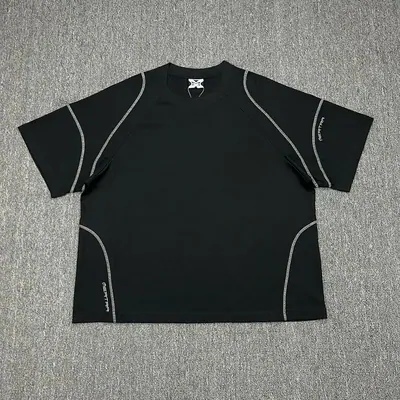
T-shirts and tops
T恤 · T-xu
Light and cheap to ship, which makes them the natural filler when a parcel is not yet full and you are already paying a first weight.
Watch out Print quality is what photos hide. Look at the collar and the print edges in the quality check photos rather than at the flat-lay in the listing.
Browse t-shirts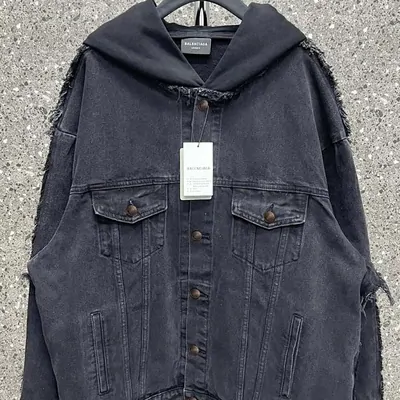
Jackets and outerwear
外套 · waitao
The heaviest common category. A padded coat can cost more to ship than it cost to buy.
Watch out Price the shipping before you order, not after. Padded items are also bulky, and some lines charge on volumetric weight.
Browse jackets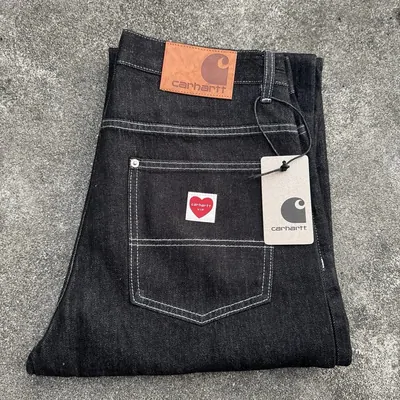
Jeans and pants
裤子 · kuzi
Waist labels vary wildly between sellers, and inseam is often not stated at all.
Watch out Ask through the order remarks for the flat waist measurement if the listing does not give one. It is a normal request and costs nothing.
Browse jeans and pants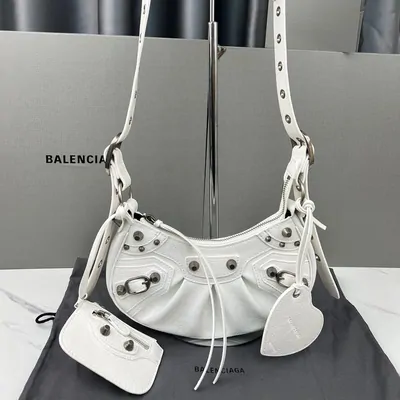
Bags
包 · bao
Bulky rather than heavy, so bags usually decide the size of your parcel more than its weight.
Watch out Check the stated dimensions against something you own. Listing photos are shot to make bags look larger than they are.
Browse bagsBackpacks
背包 · beibao
Practical rather than fashion led, and one of the few categories where the cheap version is often genuinely fine.
Watch out Zips and strap stitching are where these fail. Both are visible in quality check photos if you ask for a close-up.
Browse backpacksAccessories
配饰 · peishi
Caps, scarves, belts, gloves and the rest. Small, light, and the easiest way to use up weight you have already paid for.
Watch out Belts and caps have real sizes. Check them the way you would check a shoe, because they are just as easy to get wrong.
Browse accessories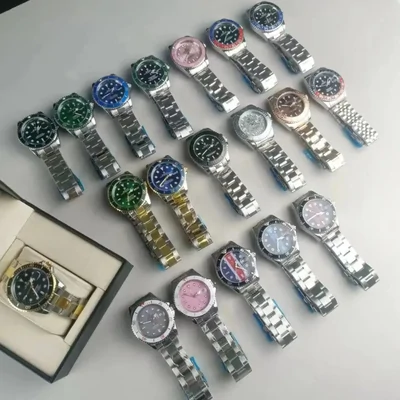
Watches
手表 · shoubiao
Movement type is what separates listings that look identical in photos.
Watch out Anything with a battery can restrict which shipping lines will carry the parcel. Confirm the route before you order rather than after.
Browse watches
Jewellery
首饰 · shoushi
Tiny and light, so shipping is rarely the problem here. Plating quality is.
Watch out Ask what the base metal is if the listing does not say. Plated brass and stainless steel wear very differently and often look the same in a photo.
Browse jewellery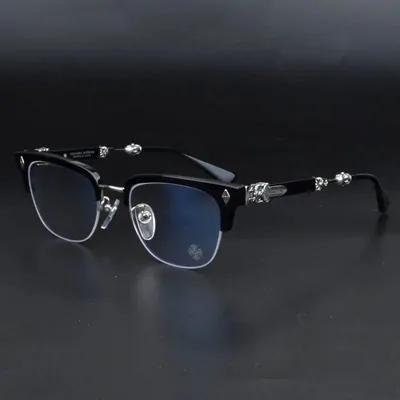
Eyewear
眼镜 · yanjing
Frames travel well and weigh almost nothing, but they arrive with no prescription and no optician behind them.
Watch out Hinges are the usual failure point, and worth a close-up in the quality check photos.
Browse eyewear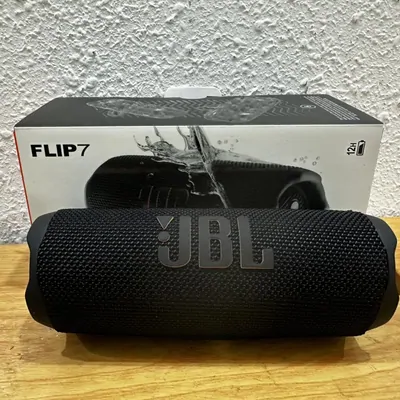
Electronics
数码 · shuma
The category most likely to be blocked by a shipping route rather than by a seller.
Watch out Anything with a lithium battery limits which lines will take it, and some routes bar it outright. Check on the PonyBuy estimator before you spend anything.
Browse electronics
Perfume
香水 · xiangshui
The hardest common category to actually get home.
Watch out PonyBuy's own customs guidance names liquid and powder items among those generally prohibited from mailing. Confirm before ordering, not after it is in the warehouse.
Browse perfume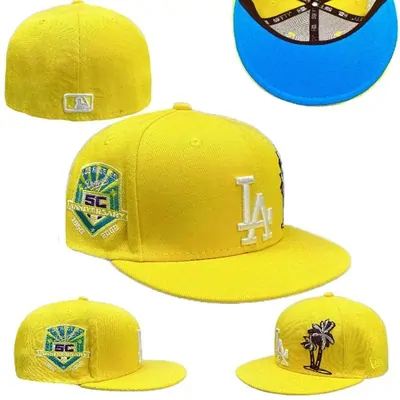
Hats
帽子 · maozi
Caps, beanies and bucket hats. The category people add to a parcel rather than open one for, because a hat alone pays full freight for almost no weight.
Watch out Fitted caps are sized in inches or in centimetres of head circumference, not in S/M/L. Measure around your head above the ears and match that number.
Browse hats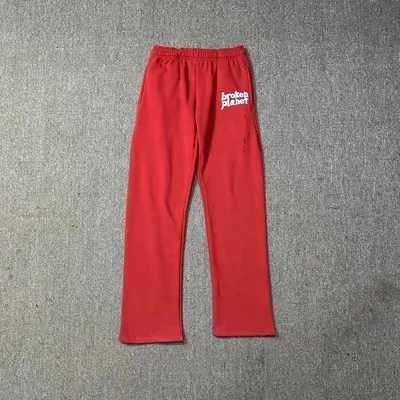
Sweatpants
卫裤 · weiku
Joggers, flared sweats and the matching halves of tracksuits. Usually bought as a pair with a hoodie, which is also the cheapest way to buy them.
Watch out An elastic waist hides the fit, so the number that matters is the inseam. Measure a pair you already wear from crotch to hem and compare that, not the size letter.
Browse sweatpants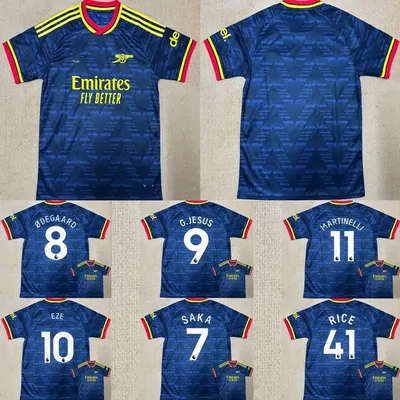
Jerseys
球衣 · qiuyi
Football and basketball shirts, usually listed by club and season rather than by size chart. Name and number printing is a separate option on most listings.
Watch out Say the exact name and number in the order remark, spelled out. The print is applied after you pay, so the appearance check meets that print on the same day you do.
Browse jerseys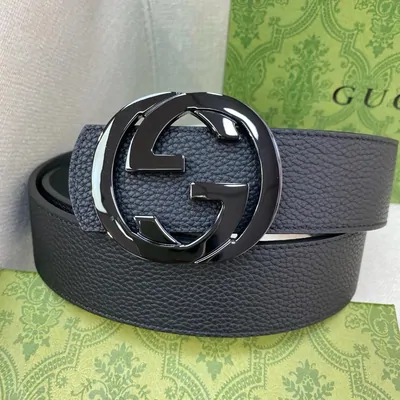
Belts
皮带 · pidai
Light, flat and easy to add to a parcel that is already going. Buckles are where the quality check photographs are worth reading closely.
Watch out Listings give the strap length in centimetres, which is not your waist size. Measure a belt you own from the buckle pin to the hole you actually use.
Browse belts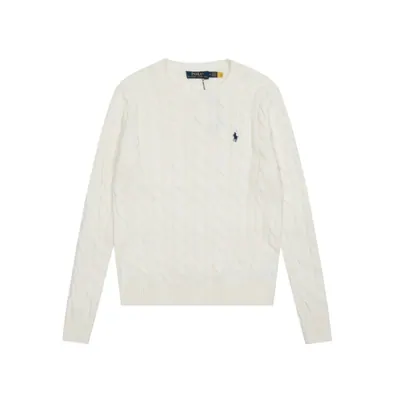
Womenswear
女装 · nvzhuang
A search rather than one category, because women's pieces sit across skirts, heels, knitwear, sets and outerwear.
Watch out Start broad, then narrow by the item name once you see what the sellers call it.
Search womenswear
Rough weight, and why it decides your shipping
Shipping is charged on weight in started blocks of 500 g, so what you put in a parcel matters as much as how many things you put in it. These are ordinary ranges for planning, not quotes.
| Category | Usually lands around | What that means for you |
|---|---|---|
| Jewellery, eyewear | Very light | Never worth a parcel alone. Add to something else. |
| T-shirts, accessories | Light | The natural filler once you are already paying a first weight. |
| Jeans, bags, trainers | Medium | One or two of these plus fillers makes an efficient parcel. |
| Hoodies, backpacks | Heavier than they look | Two hoodies can move you into another weight block on their own. |
| Jackets, home goods | Heavy or bulky | Price the route before ordering. Some lines charge on volume, not weight. |
Weight blocks come from the PonyBuy fee structure (Help Center, Packaging, read 3 August 2026). The ranges above are planning guidance from ordinary use, not measured figures, and your actual weight is whatever the warehouse records.
The Chinese words are on the cards for a reason
You do not need to read Chinese to order, because listings are pulled into an English interface. You do need it the moment you want to search rather than browse.
Sellers title their listings the way Chinese shoppers search, so the English word for a category rarely matches. Pasting the Chinese term into a search finds sellers that an English search will never surface. That is the entire reason each card above carries one.
The pinyin next to it is for saying it, not for searching. The search boxes on those marketplaces want the characters.

How to pick which listing to send
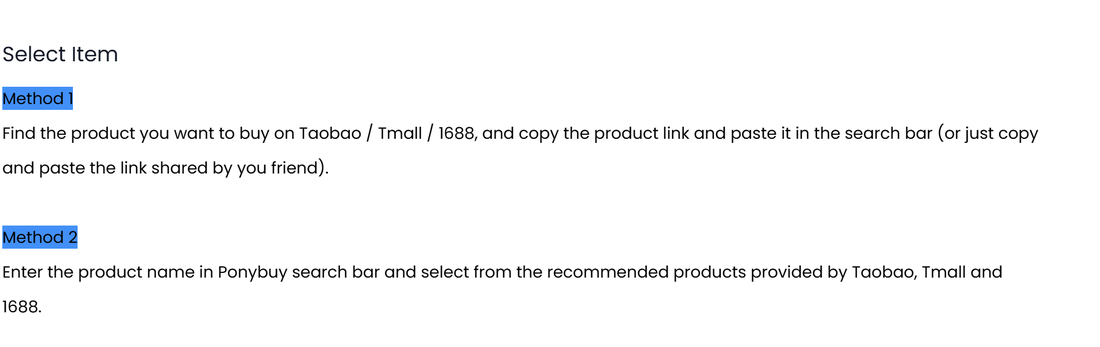
There are two ways in, and they are not equally safe. You can copy a product link from Taobao, Tmall or 1688 and paste it into the search bar, or you can type a product name into that same bar and choose from what those marketplaces hand back.
The first way is a contract with one specific shop. The second is a ranking, and a ranking answers the question "what sells" rather than "what is good". When the picture you fell for came from a category card, the link under that card is the one to paste. Searching again by name will find you fifty shops using that same photograph, and only one of them took it.
Whichever way you arrive, read the option block before you pay. The colour and size you select are the order; the photograph is only how you found it.
How to judge a seller, and why one seller beats five
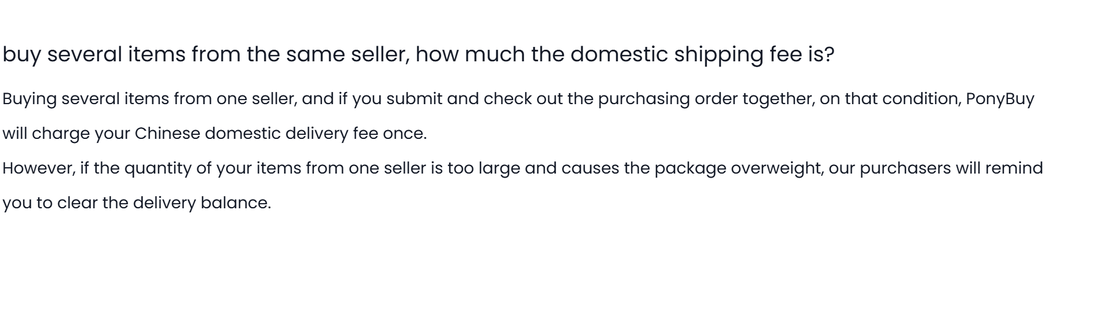
Domestic shipping is the quiet line on the first payment, and it is charged per seller rather than per item. The help centre says so plainly: order several things from one shop and submit them together, and the Chinese domestic delivery fee is charged once. Five shops means five of those fees before anything has left the country.
That turns "which seller" into a cost question rather than a taste question. A shop that carries the hoodie and the trousers is worth more than two shops that each carry one, even when the second shop is a little cheaper per item.
The same page names the limit on that trick. If the quantity from one seller gets large enough to make the package overweight, the purchasing team comes back and asks you to clear the delivery balance. Consolidating at the shop is a saving, not a loophole.
Where to go next
- Category
Browse the products
Categories, search and the finds other buyers have already posted. This is where you look at actual items and copy the link of the one you want.
Open the product listNo account needed to browse.